
Predictive Glucose Management

Less Stress, More Living.

Guardian is your AI-powered companion for diabetes management, providing real-time glucose predictions and personalized insights to help you stay in control and live your best life.

24/7 trend visibility
Trusted Users
5 min update intervals, same as dexcom

Hands free. Useful guidance.

Trend-first visuals

Readings are paired with direction and context so the numbers tell a story on he screen.

Quick interpretation

Simple status labels and guide cards make it easier to understand what is happening and what matters next.

Quick information

Data is collected just as fast as Dexcom gets it and analysis is instantaneous.

Guardian Glucose Guide

1

Login

After pressing "Get Started," log in to your Dexcom account.

2

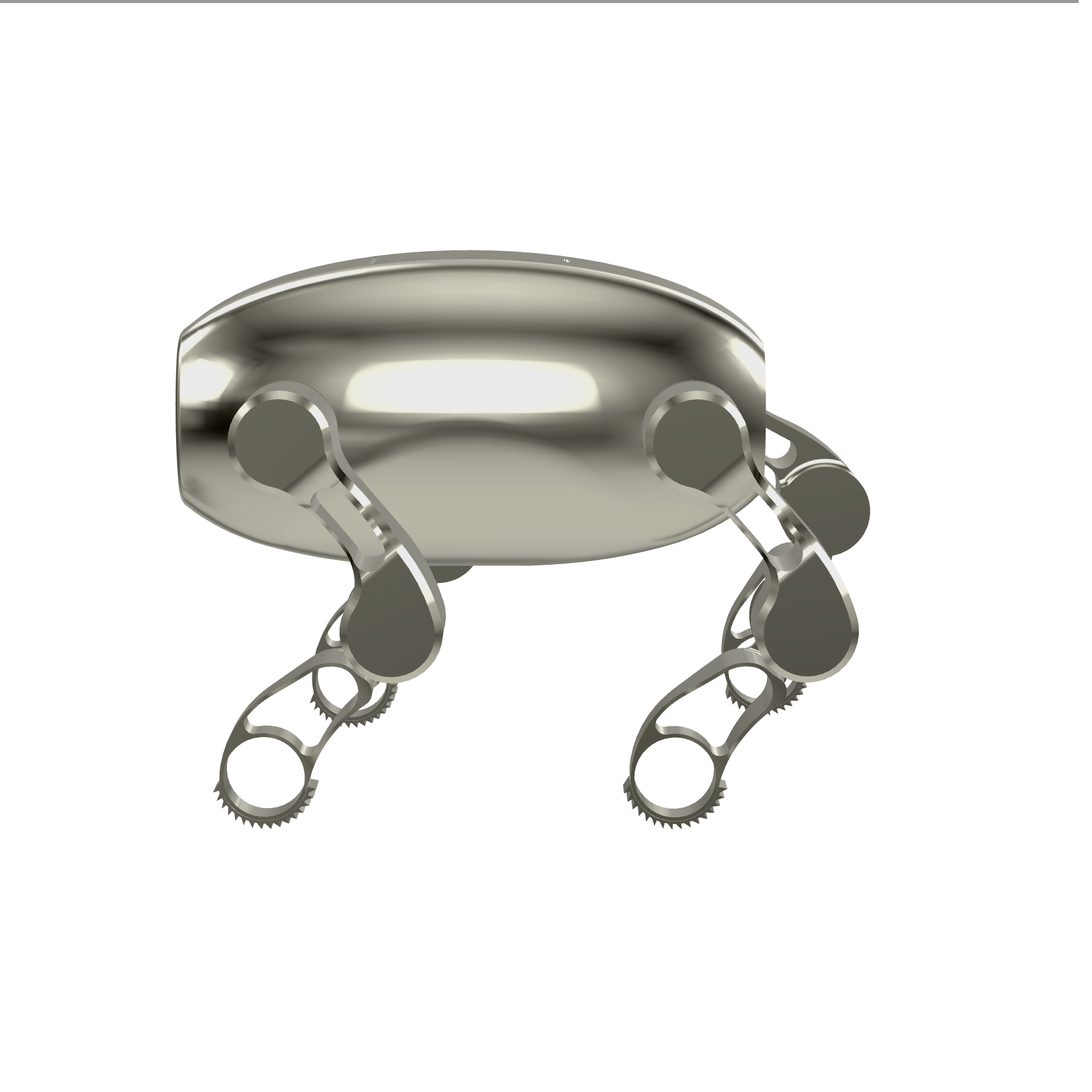
Turn on your Robot

Press the power button on your device and wait for it to start.

3

Set up your device

Go to home and follow onscreen instructions, connect main wifi network and connect bluetooth.

4

Adjust your settings

Review and customize your device settings to suit your preferences and needs.

9:41 Guardian
118 mg/dL
Current range
Comfortably stable
Forecast
+4
Slow rise over the next hour
Bloodsugar in 30 min
82
Watch levels
Daily low
84
Early morning
Daily high
146
Post lunch

Technology

Built on science,
powered by AI.

Guardian's technology stack is designed for reliability, security, and intelligence — the three pillars of trustworthy health tech.

Seamless Dexcom Integration

Direct API connection to Dexcom Share ensures your glucose data flows securely and in real-time.

Edge AI Processing

On-device machine learning models analyze your patterns without sending sensitive data to the cloud.

HIPAA Compliant

End-to-end encryption and strict compliance protocols protect your health data at every step.

Sub-second Latency

Optimized data pipeline delivers glucose readings and alerts with minimal delay for timely action.

Creator of the site
Who I am I’m Bradley Williams, founder of Guardian. I’m an 18-year-old high school senior, future University of Maryland wrestler and engineer. Im a hobbyist/student passionate about coding and robotics. After being diagnosed with Type 1 diabetes in 2024, I set out to create technology that helps others manage it with less stress.

find more at
About Us
Bradley Williams Founder, Guardian

FAQ

Is my Dexcom Data safe?

Yes, the data is from the Dexcom API and your information is not hard coded and only runs locally so no data leaks.

How accurate is the forecast?

While the accuracy will depend on the noise or variation of your bloodsugar, Ill test it soon to give an actual estimation of accuracy.

Does it cost money?

As of right now, no. The base website is free to use and you can find the code at Github, however the robotic part will require purchase but it is currently unreleased.

Live overview

Today

See the current glucose picture, urgency, and robot connection in one calmer view. Guardian keeps the essentials close without turning the page into a control panel.

GUARD right now

Checking on GUARD…

Guardian will keep this updated automatically.

Checking…
Latest Glucose
Live

mg/dL

Waiting for data

Predicted in 30 min

mg/dL

Waiting for forecast

Trend: —

Live Pattern Read

Analysis

Auto
Average change

Waiting for data…

Urgency

Waiting for data…

Glucose (last 60 min)
Live trend view
No CGM data in the last hour
Tip: Wheel zooms toward your pointer (X+Y) but is clamped to the preset time window.

Device

Home

Set up your GUARD.

Wi-Fi
Use the main network GUARD should prefer.
You can add travel or backup networks later from Settings.

Manual Pairing Fallback

If GUARD already showed a pairing code, finish pairing right here.

Fallback code
Waiting for fallback code

If Guardian exposes a fallback code, enter it here once.

Tip: Leave GUARD powered on nearby while Guardian finishes the first setup.

First-time setup currently needs Chrome or Edge. Safari/iPhone does not currently support this setup flow.

Preferences

Settings

Control Panel Drive GUARD from the website

Send movement commands right away, and queue speech for the speaker firmware you will flash later.

Setup needed
Movement Leg and gait commands
Current mode: waiting for sync

The S3 already listens for robot_mode, so these become live once GUARD is online.

Walk Left Right Sit

Drag the thumb, then release to send one command. Short release in the center means stand ready.

Speaker Queue speech for GUARD
Queue empty

Website side is ready now. The queued text will start playing after you flash the S3 mic and speaker firmware.

Everyday Glucose comfort range

Guardian uses this range to frame your live chart and urgency so the experience feels closer to your real comfort zone.

Voice Proactive glucose alerts

If you are low now or your 30-minute prediction moves outside your range, Guardian can say your current blood sugar and the prediction out loud.

Recommended: 15 to 30 minutes so Guardian stays helpful without repeating too often.

Safety Emergency help contact

If you say Guardian get help, Guardian can text this saved contact for you.

Use a full mobile number. Guardian assumes U.S. numbers if you enter 10 digits. Text delivery turns on once Guardian's sending number is configured.

Network Backup Wi-Fi

Add extra networks for travel or a hotspot. GUARD will prefer the main network from setup when it sees it again.

Advanced Factory Reset GUARD

Erases saved Wi-Fi and pairing on GUARD, then starts setup again from the beginning.

Factory reset becomes available when GUARD is connected.